
Ultra Zoom for Realtors
Spot deferred maintenance before you book the showing.
- On-device only — no client data leaves your browser
- Generic zoom on any listing photo is free
- Zillow, Redfin & 4 more portal plugins are Pro · 7-day trial, no card
You screen dozens of listings a day. Ultra Zoom collapses open listing → click photo → wait for lightbox into a single hover — with on-device AI upscaling (Pro) that pulls detail out of the low-resolution images MLS systems insist on serving.
New to the extension? Read the setup guide or browse supported sites.
- Buyer’s agents.Disqualify listings before scheduling. Spot water staining, foundation cracks, deferred maintenance, and red-flag neighborhood details from the listing photos alone.
- Listing agents.Audit your own photos for problems before they go live. Compare against competitor listings in the same price band. Review pre-list inspection imagery without bouncing between tabs.
- Commercial brokers.LoopNet and Crexi listings hide detail-per-photo dependence. Hover-zoom plus upscaling makes due-diligence on remote properties dramatically faster.
Your client data never leaves your browser
Ultra Zoom processes images entirely on your device. There is no analytics endpoint, no remote code, and no server that sees what listings you’re reviewing. For agents handling client-related searches, that distinction matters.
AI upscaling (Pro), in plain English
MLS systems compress listing photos aggressively. Ultra Zoom runs Real-ESRGAN (general x4v3) on-device to enlarge those images while reconstructing edge detail, with Lanczos resampling as a fallback when the AI model isn’t available. The result: a hover preview that lets you actually see what the listing agent uploaded, not a pixelated guess.
Inside the extension
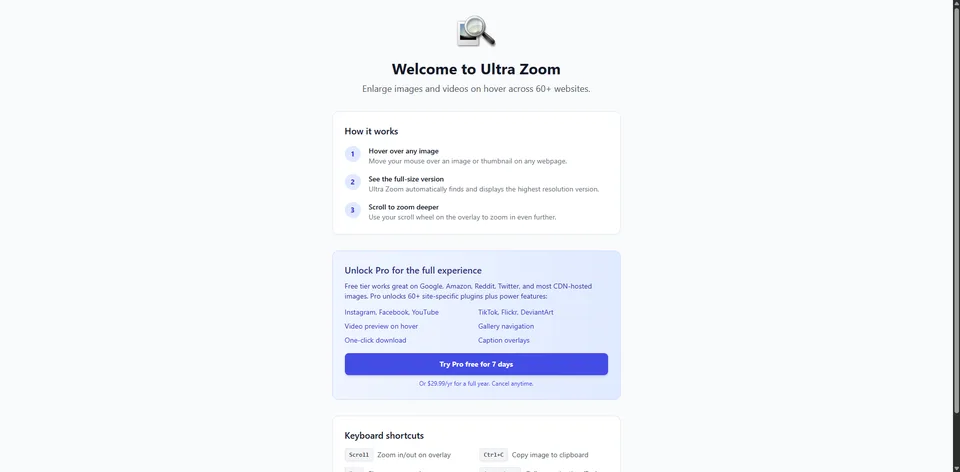
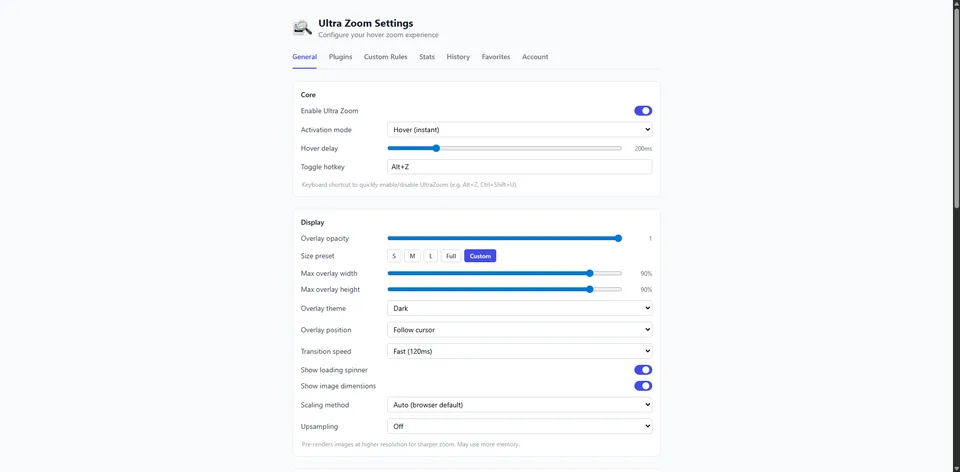
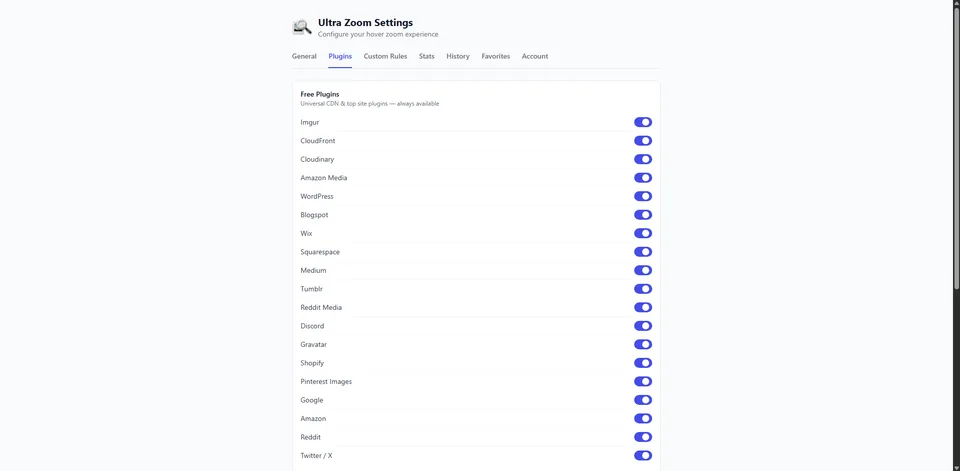
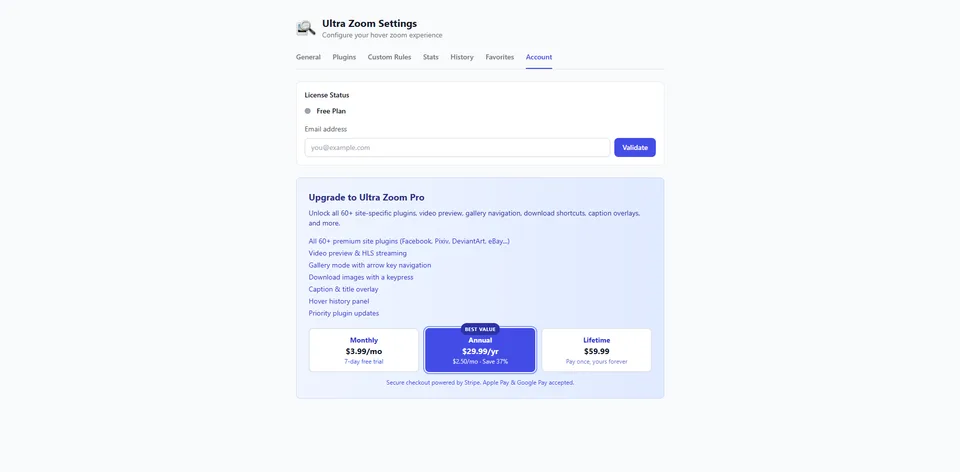
Built for the way agents actually screen listings
With the Pro plugins on Redfin, Zillow, Realtor.com, and Crexi, the hover overlay surfaces the listing’s status (NEW, OPEN, SOLD), price, full address, and the beds / baths / sqft line right next to the photo — no extra clicks, no extra tabs.
- Walk the full gallery on Redfin with arrow keys — not just the thumbnails Redfin renders in the page DOM. A 40-photo listing is one continuous review pass.
- Shift+L opens the underlying listing page from the overlay. A copies the address to your clipboard for showing notes.
- K (Pro) toggles the listing-detail caption strip on demand — show it for due-diligence sessions, hide it when you’re screen-sharing with a client.
- Theater mode (Z) now scroll-zooms past the original image bounds without clipping, so you can really crawl across a wide-angle interior shot.
Platform-by-platform
Each platform serves its listing photos differently, so each one gets its own plugin and its own guide covering what Ultra Zoom does there.
- Zillow — See Zillow listing photos at full resolution, with the address and price in the overlay.
- Redfin — Full-resolution Redfin listing photos on hover, with the whole gallery in the overlay.
- Realtor.com — Realtor.com photos at source resolution, on hover, with listing details attached.
- Crexi — Full-size commercial listing photos on Crexi, on hover.
- LoopNet — LoopNet and CoStar listing imagery at full resolution, on hover.
- Land and Farm — Full-resolution land listing photos across the Land Network, on hover.
Working in an MLS photo viewer rather than a portal? See Ultra Zoom vs. MLS photo viewers and which MLS systems are covered.
“Fan of Ultra Zoom — glad it works with CREXI.”
— David Johnson, commercial broker
“Love how fast listing [photo] review [has gotten] with Ultra Zoom.”
— Paul Duggan, listing agent
Less than a single MLS photo reprint.$3.99/mo, $29.99/yr, or $59.99 lifetime. Most agents pay once and forget about it. See full pricing →
Common questions from agents
Does this work with my MLS?
Generic hover-zoom is free and works on most listing photos, MLS image viewers included; it shows the largest photo the page provides. Zillow, Redfin, Realtor.com, LoopNet, Crexi and LandAndFarm get dedicated plugins with the original photo and the price and address overlay, and those six are Pro (7-day trial, no card). Browse the supported sites list, or install it free and try it on yours — if a site we haven’t listed misbehaves, let us know and we’ll add a selector.
Is my client data safe?
Yes. Ultra Zoom runs entirely in your browser. There is no analytics endpoint, no remote code, and no server that sees what listings you’re reviewing. Read the privacy policy for the full posture.
Will this slow down my browser?
No. Upscaling only runs on the photo you hover, only when you hover it. There’s no background processing, no preloading of every image on the page, and no network calls to a remote service. Screening 50 listings feels the same as without the extension — just with sharper photos when you want them.
Can I install on multiple devices?
Yes. The free extension installs on as many browsers as you like. One Pro licence covers up to three devices, and Pro keeps your settings in sync across them.
Is it a tax-deductible business expense?
Most agents expense it like any other business software subscription. We’re not your accountant though — consult your CPA for specifics on your situation.
Try it on your next listing review
Free to install. No account, no credit card. Most agents know within an afternoon whether it stays in their workflow.
Running a team or brokerage? Talk to us about brokerage licensing →
Already using Ultra Zoom on listings?
Share your link from Settings → Referrals on the extension’s options page. Refer three agents who install from your link and you get Pro for life.