Hover-zoom for buyer's agents: a listing-photo inspection checklist
Buyer’s agents look at more listing photos than anyone. A new client search can mean scrolling through several hundred listings in the first week alone, then re-screening a tighter shortlist every time the inventory shifts. Most of that time goes to the same task over and over: figuring out which homes are worth a tour and which aren’t.
Hover-to-zoom is built for exactly that loop. Here’s the checklist we’ve put together after watching agents use Ultra Zoom on Zillow, Redfin, Realtor.com, and the MLS systems they actually log into every morning.
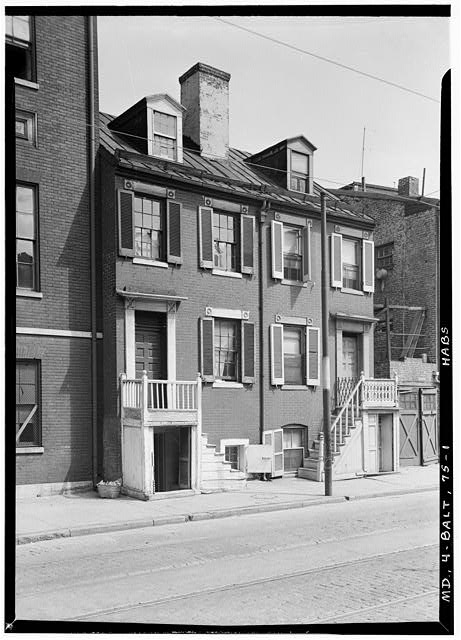
Why this is an agent problem before it’s a buyer problem
Your client doesn’t know what to look for in a listing photo. You do. The detail that makes them say “let’s tour it” is rarely the detail that tells you whether the tour is worth their Saturday.
Listing thumbnails on every major site are compressed for grid display. The water staining at the top of a closet wall, the hairline crack in the foundation behind the planter, the sagging eave on a home otherwise photographed crisp — none of those survive at thumbnail resolution. By the time you click in, you’ve already spent the attention. Hover-zoom flips the order: you see the detail before you commit, on every photo in the grid.
The agents we’ve watched use it tend to settle into a workflow that looks like this:
- Run their saved search with the client’s filters.
- Hover the result grid and triage: clear no, clear maybe, worth a closer look.
- On the listing page, hover through the full photo set without opening the lightbox. Arrow-key navigation walks twenty photos in under a minute.
- Save the maybes, message the clear-yeses to the client with notes, and only schedule tours for homes that survive that pass.
The result: fewer wasted Saturdays, and a much sharper conversation with the client about why a home made the list.
The inspection checklist
This is what to look for, organized by photo type. None of these are diagnoses — they’re tour-or-skip signals, and notes for the questions you’ll ask the listing agent.
Exterior photos
Roofline. Zoom on the ridge line and the eaves. Sagging, missing shingles, and moss growth show up clearly at full resolution. A soft, wavy ridge on a home otherwise photographed crisp usually means the roof is old.
Foundation and trim. Hover the corners of the house. Cracks in the foundation, gaps where trim meets siding, and efflorescence (the white powder that says water has been moving through masonry) all read at zoom level.
Yard and drainage. Standing water, muddy patches, and unusual grading near the foundation show up at full zoom even when the listing agent didn’t highlight them.
Neighboring properties. Listing photos often frame around the neighbors for a reason. Zoom into the edges of exterior shots. The corner of a commercial building, a power substation, a junkyard, or a neighbor’s deferred-maintenance project that doesn’t appear in the listing description is exactly the kind of thing your client will notice on the tour and resent not knowing about.
Interior photos
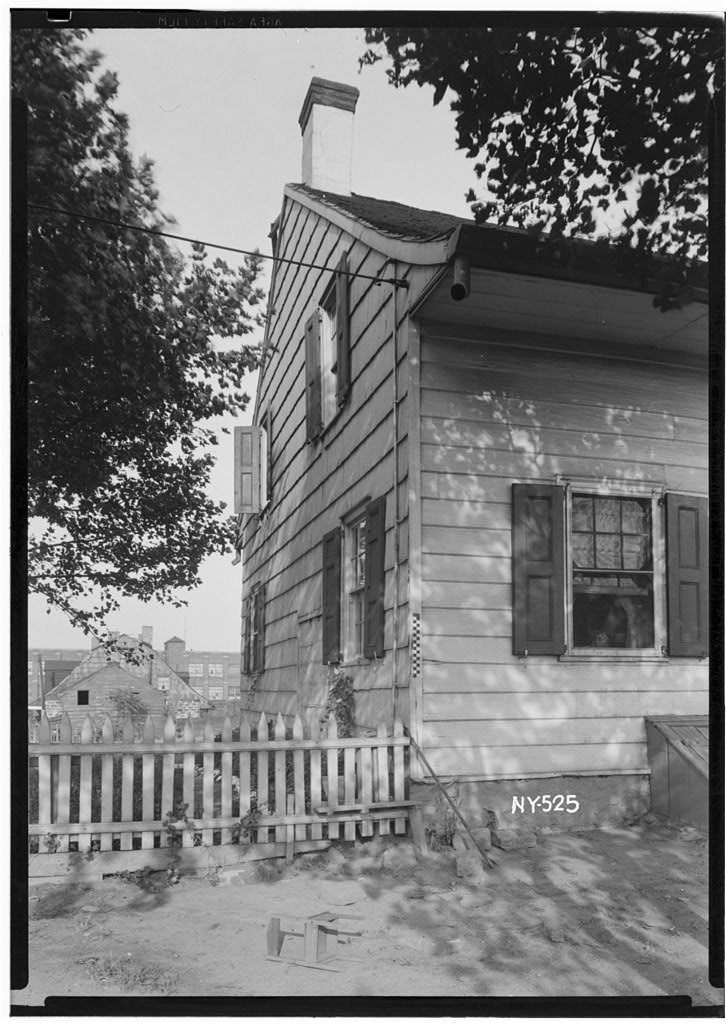
Ceilings. Stains, sagging drywall, and tape lines are classic water-damage tells. They’re usually small in the frame and blend with the lighting, but zoom makes them obvious.
Baseboards and door frames. Warping, separation from the wall, and water lines near the floor all point to moisture problems.
Floor transitions. The way floors meet at doorways tells you a lot about how the house was renovated. Clean transitions suggest a professional job. Mismatched heights, gaps, and improvised trim are DIY red flags worth raising.
Outlets and switches. Cover plate color and style gives you a rough age of each renovation. A bathroom with a modern vanity but 1970s almond outlets usually means a cosmetic flip, not a real rewire.
Window frames. Condensation, fogging between panes, and peeling paint on sills tell you about window age and ventilation.
Kitchen and bathroom
Grout and caulking. At zoom level, you can see whether tile work is fresh or has years of staining. Caulk pulling away from tubs and counters is a moisture flag.
Countertop seams. On stone and quartz, zoom reveals whether the install is a professional job. Rough seams, epoxy color mismatches, and chipped edges matter for replacement-cost estimates when your client is negotiating.
Cabinet hardware and hinges. Sagging doors, rust on hinges, and worn pulls give you a realistic sense of age even if the cabinets were repainted.
Appliance age. Model labels and control panels are often readable at full zoom. You can sometimes tell a fridge is fifteen years old from the photo alone.
Staging tells
Staging is fine — it’s standard practice. But sometimes staging is used to hide rather than showcase. Zoom-worthy tells:
- Rugs positioned to cover exactly the floor area you’d want to inspect
- Furniture pressed against a single wall (often hiding damage or outlets behind)
- Unusually decorated corners in otherwise plain rooms
- Plants placed in front of lower walls and baseboards
None of these are automatic deal-breakers, but they tell you what to ask about during the tour.
Comp review and CMA prep
The same workflow shortens comp reviews. When you’re pulling comps for a CMA or pricing conversation, you’re trying to figure out — fast — whether two listings are really comparable or whether one of them has a quietly better finish, a quietly worse layout, or a renovation that should bump the price.
Hover-zoom lets you scan the photo set on each comp in seconds instead of bouncing between tabs. Open the comp results in your MLS, hover through each one’s primary photos, and the differences in finish quality, room count visibility, and yard condition pop out without ever opening a second window.
A note on client data
Agents handle searches on behalf of clients, and what listings you review is, in a real sense, client information. Ultra Zoom processes images entirely on your device — no analytics endpoint, no remote code, no server that sees what you’re looking at. If your brokerage’s IT lead has questions, the zero-knowledge architecture post walks through exactly what stays local and what crosses the network. (The short version: nothing about your browsing crosses the network.)
That distinction also matters because of the Hover Zoom story: the most popular hover-to-zoom extension of its era was eventually caught quietly selling browsing data. We built Ultra Zoom so that even we can’t see what listings you review.
For listing agents
If you’re on the listing side, the same workflow runs in reverse. Hover-zoom through your own photos the way a buyer’s agent will. Anything that jumps out at you negatively will jump out at them too, and you can ask the photographer to reshoot or re-edit before the listing goes live. (The listing-side photo QA workflow is its own routine — we’ll write that one up separately.)
Try it on tomorrow’s search
Install Ultra Zoom for Chrome or Firefox. One click, no account, and generic hover-zoom works on any listing photo out of the box, free. The dedicated plugins for Zillow, Redfin, Realtor.com, LoopNet, Crexi and LandAndFarm, which pull the original photo and add the price and address overlay, are part of Pro, along with AI upscaling that pulls extra detail out of the low-resolution images MLS systems insist on serving. Pro starts with a 7-day trial you can begin inside the extension, with no card. Realtors who came from one of our outreach emails: REALTOR30 takes 30% off the annual plan, every year, forever.